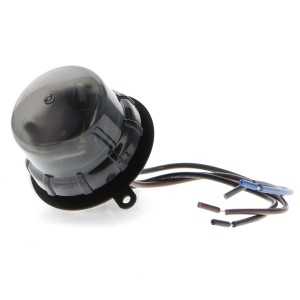
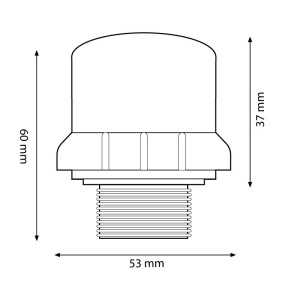
How does the Ufo A Series bell control work?
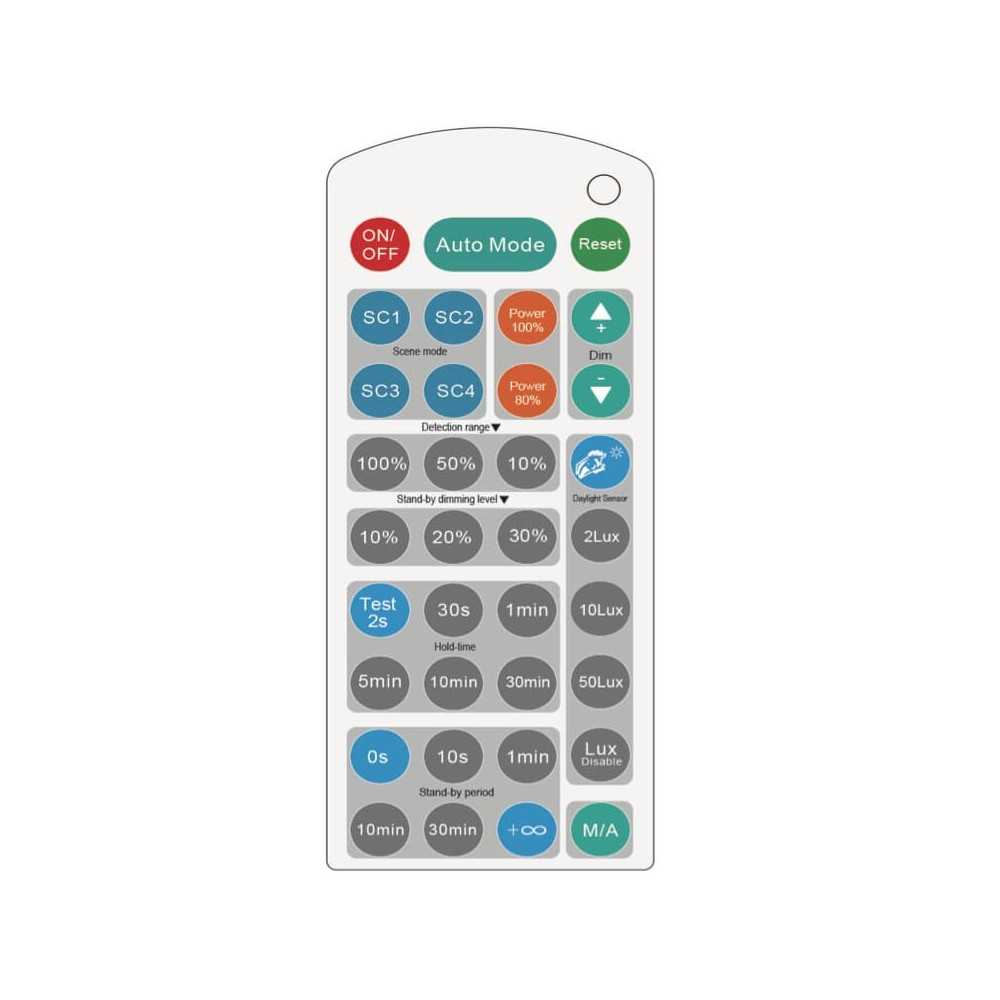
"ON / OFF": the light switches on or off continuously.
"Auto mode": the sensor starts operating with the last configuration.
"Reset": the settings return to the default value.
"Dim+" or "Dim-" to adjust the brightness of the timeout
"Test 2s" is for test purposes. The sensor goes into test mode with a timeout of 2 seconds. This mode can be terminated by pressing "Reset" or a scene mode or timeout.
"Power 100%" "Power 80%" can be used to set the power you wish to save or spend.
"Lux Deactivate" to deactivate the lux sensor.
Scene mode: There are 4 fixed scene programmes to select as required. They can be changed by selecting the remote settings, as the sensor has memory even after a power cut:
SC1: 100% detection / 1 min standby time / 10 min standby time / 10% standby dimming / 2 lux sensor
SC2: 100% detection / 5 min standby time / 10 min standby time / 10% standby dimming / 2 lux sensor
SC3: 100% detection / 10 min standby time / 30 min standby time / 10% standby dimming / 10 lux sensor
SC4: 100% detection / 10 min standby time / +∞ standby time / 10% standby dimming / 50 lux sensor
The standby time is the time during which the light remains on at 100% if no movement is detected.
Standby time is the time the luminaire remains on with dimmed light.
Technical data
| Brand | iSG Lighting |
| Protection | IP20 |
| Power supply | AAA 1.5 V DC |
| Hardware | PC |
| Warranty | 3 |




 Garanties sécurité(à modifier dans le module "Réassurance")
 Politique de livraison(à modifier dans le module "Réassurance")
 Politique retours(à modifier dans le module "Réassurance")