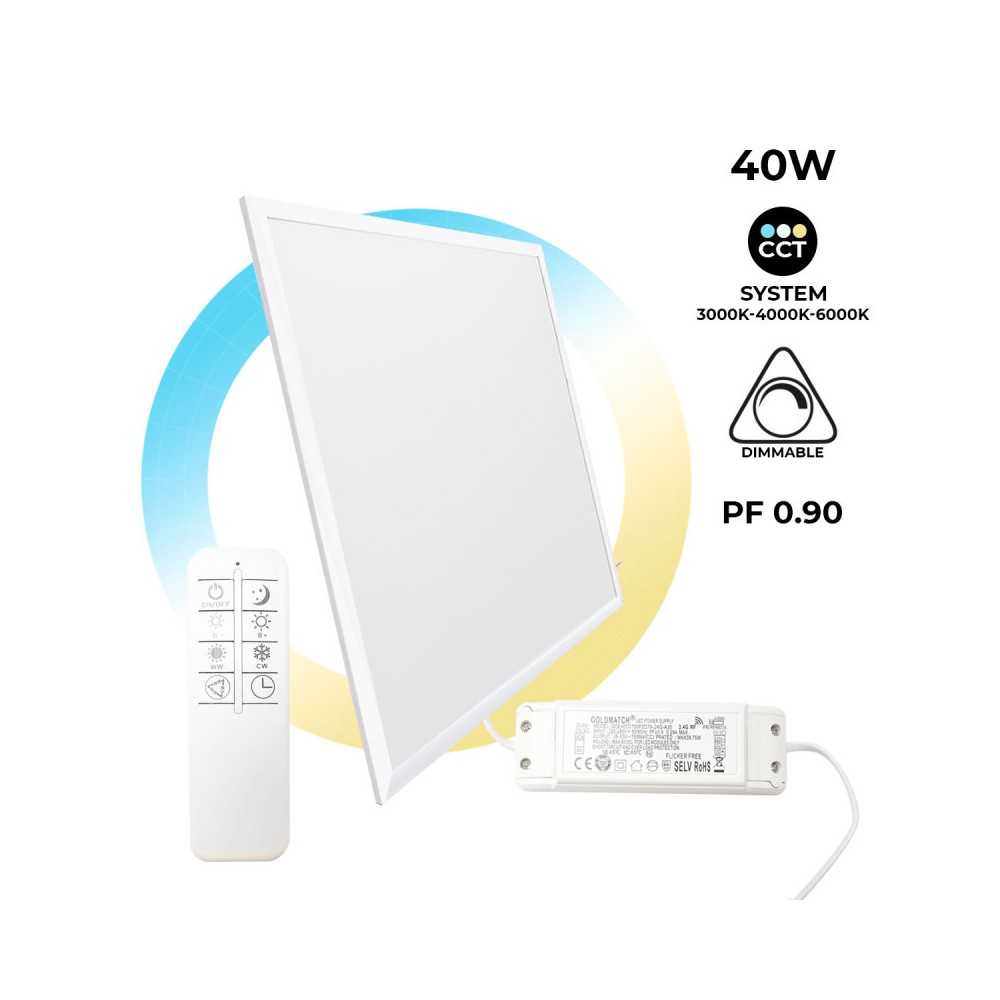
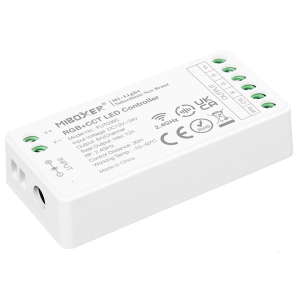
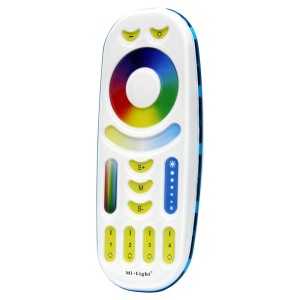
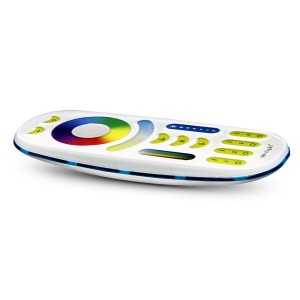
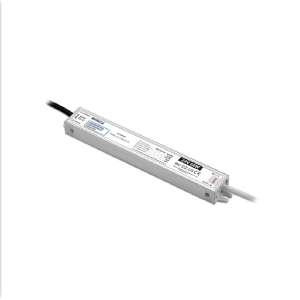
Warning! For this LED panel to work properly, we recommend that you turn off your switch and control it directly using the remote control supplied.
(whether for one tile or several tiles).
This LED panel CCT is a versatile luminaire with an elegant design that adapts to any environment. It provides high-quality, glare-free lighting for optimum visual comfort.
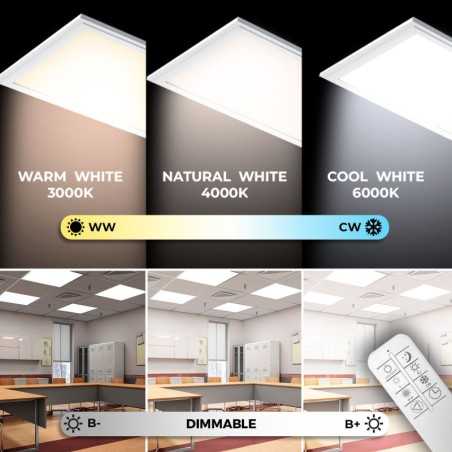
Using the remote control, you can control the light intensity and colour temperature, ranging from warm white (3000K) to cool white (6500K), to create the ideal lighting ambience for any space or occasion. The remote control also allows you to control an unlimited number of panels.
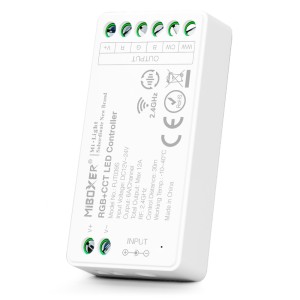
To synchronise the remote control with one or more panels, simply connect the driver(s) to the mains supply and press and hold the ON/OFF button for a few seconds.
With its high chromatic reproduction index, CRI>80, this panel reproduces colours with great fidelity, for an optimal visual experience, just like in natural light.
This tile is designed for quick and easy installation flush-mounted in false ceilings, or surface-mounted with the appropriate kit, for use in homes, offices, shops, hotels, health centres and much more.
Main product features : - Remote control (requires 2 AAA batteries - not included).
- System CCT variable colour temperature with remote control
- Tones: warm white (3000K), neutral white (4000K), cool white (6000K)
- Adjustable light intensity
- Voltage: 220-240 V/AC
- LED type: SMD4014
- Power rating: 40W
- Lumens: 4000 lm
- CRI >80
- Indoor use: IP20
- Flush-mounted installation
- Dimensions: 595 x 595 x 10 mm
|
Remote control synchronisation
The LED panel remote control CCT is not synchronised at the factory, but it is possible to synchronise several panels with a single remote control if the user so wishes.
To synchronise the panel(s) with a remote control, proceed as follows :
1. Install the panel(s) and connect them to the mains.
2. Insert the batteries into the remote control.
When connected to the power supply, the panel(s) driver goes into pairing mode for the first 30 seconds.
Remote control synchronisation
The LED panel remote control CCT is not synchronised at the factory, but it is possible to synchronise several panels with a single remote control if the user so wishes.
To synchronise the panel(s) with a remote control, proceed as follows :
1. Install the panel(s) and connect them to the mains.
2. Insert the batteries in the remote control. When connected to the power supply, the panel(s) driver will go into pairing mode for the first 30 seconds.
Synchronising the remote control :
1- Switch off the panel(s) you wish to synchronise.
2- Next, power up the panel(s) you want to synchronise with the remote control.
3- Press the "ON/OFF" button on the remote control and hold it down until the panel flashes "neutral white" 3 times. This means that the panel has been synchronised.
4- To check that the panels have been correctly synchronised, simply press any key to see if they change colour, intensity, etc.
Removing remote control synchronisation :
If, for any reason, you wish to remove remote control synchronisation from a panel and/or a group of panels, please follow the procedure below:
1- Switch off the power supply to the panel or panels for which you wish to remove synchronisation.
3- Restore the power supply and hold down the "ON-OFF" button on the control unit until the panel or panels flash 6 times in "neutral white". This means that synchronisation has been removed.
Tone
Luminous efficacy (Lm/W)
100
Rated voltage (V)
220-240V AC
Dimensions (mm) LxWxH
595 x 595 x 10
Guarantee
Legal warranty: 3 years
Energy efficiency class
F (2021)






 Garanties sécurité(à modifier dans le module "Réassurance")
 Politique de livraison(à modifier dans le module "Réassurance")
 Politique retours(à modifier dans le module "Réassurance")